Submitting and Tracking FOIA Requests
Last updated: April 9, 2026
Submit FOIA requests to government agencies from within Pursuit.
Submitting a Request
Go to the account you'd like to FOIA
Click Submit FOIA
Complete the FOIA request form — be as specific as possible to get a faster, more useful response.
Good examples:
"A copy of the current contract between [Agency] and [Vendor] for IT managed services, including all amendments and pricing schedules."
"All purchase orders issued to [Vendor] during fiscal year 2025."
Tip: Vague requests take longer and may return overly broad results.
Receiving Documents
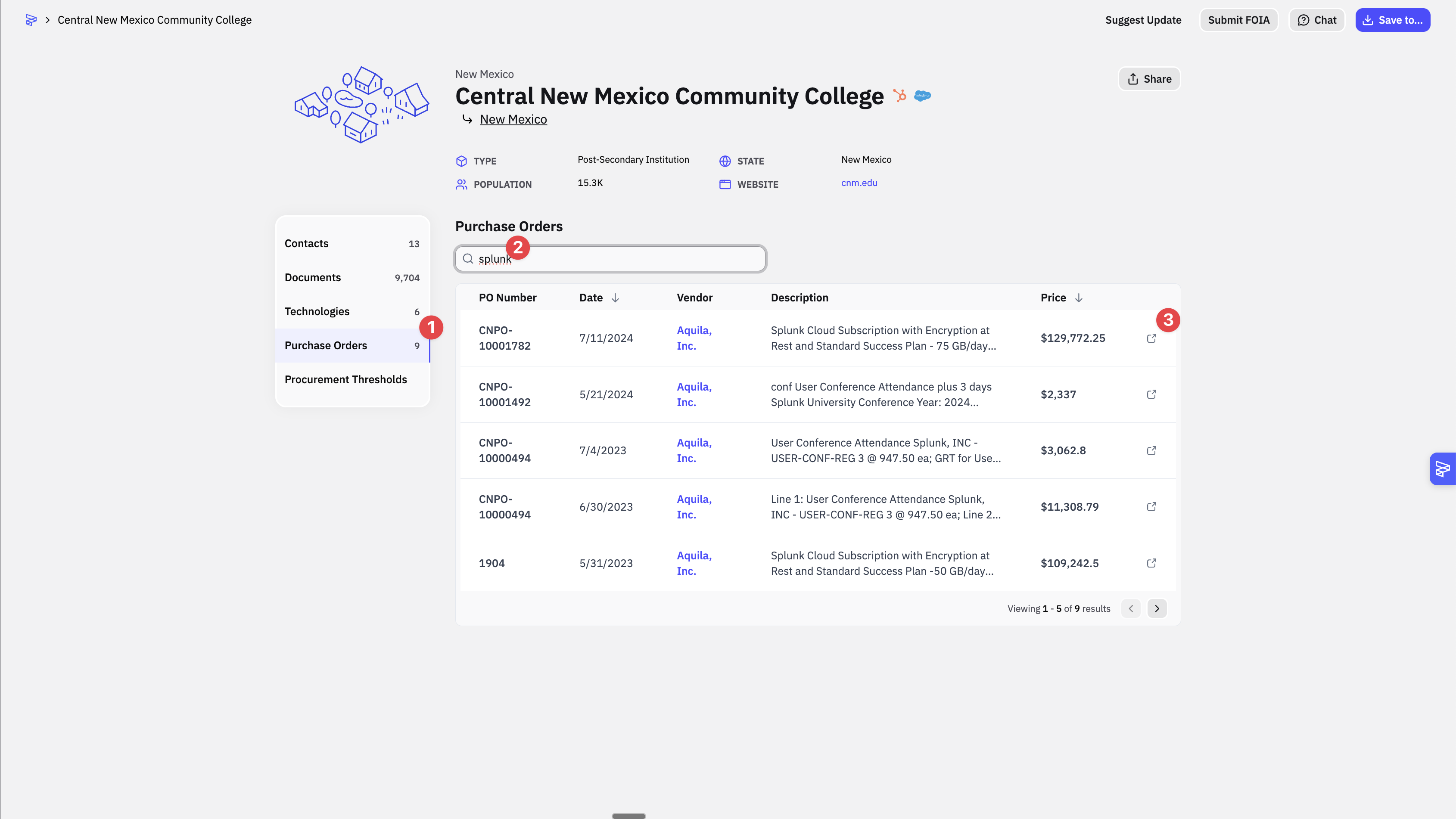
When a request is fulfilled, click into the account's purchase orders to view and download the documents. Documents will also be uploaded to a shared Google Drive.
Use the intelligence in other parts of the platform:
Generate Talking Points based on competitor contract details
Cross-reference with Radar signals for the same agency. See Introduction to Radar.