Introduction to Intel
Last updated: April 3, 2026
Overview
Intel serves as your centralized gateway to comprehensive entity and contact discovery. If Radar helps you identify signals and trends, Intel is where you actively search, filter, and take action on specific entities and contacts within Pursuit.
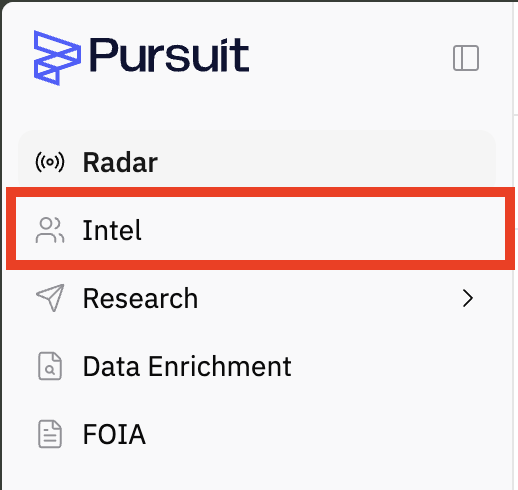
What is Intel?
Intel is your hub for accessing and working with Pursuit's extensive database. Whether you're looking for a specific account, exploring contacts, or building targeted lists for outreach, Intel provides the tools to find exactly what you need.
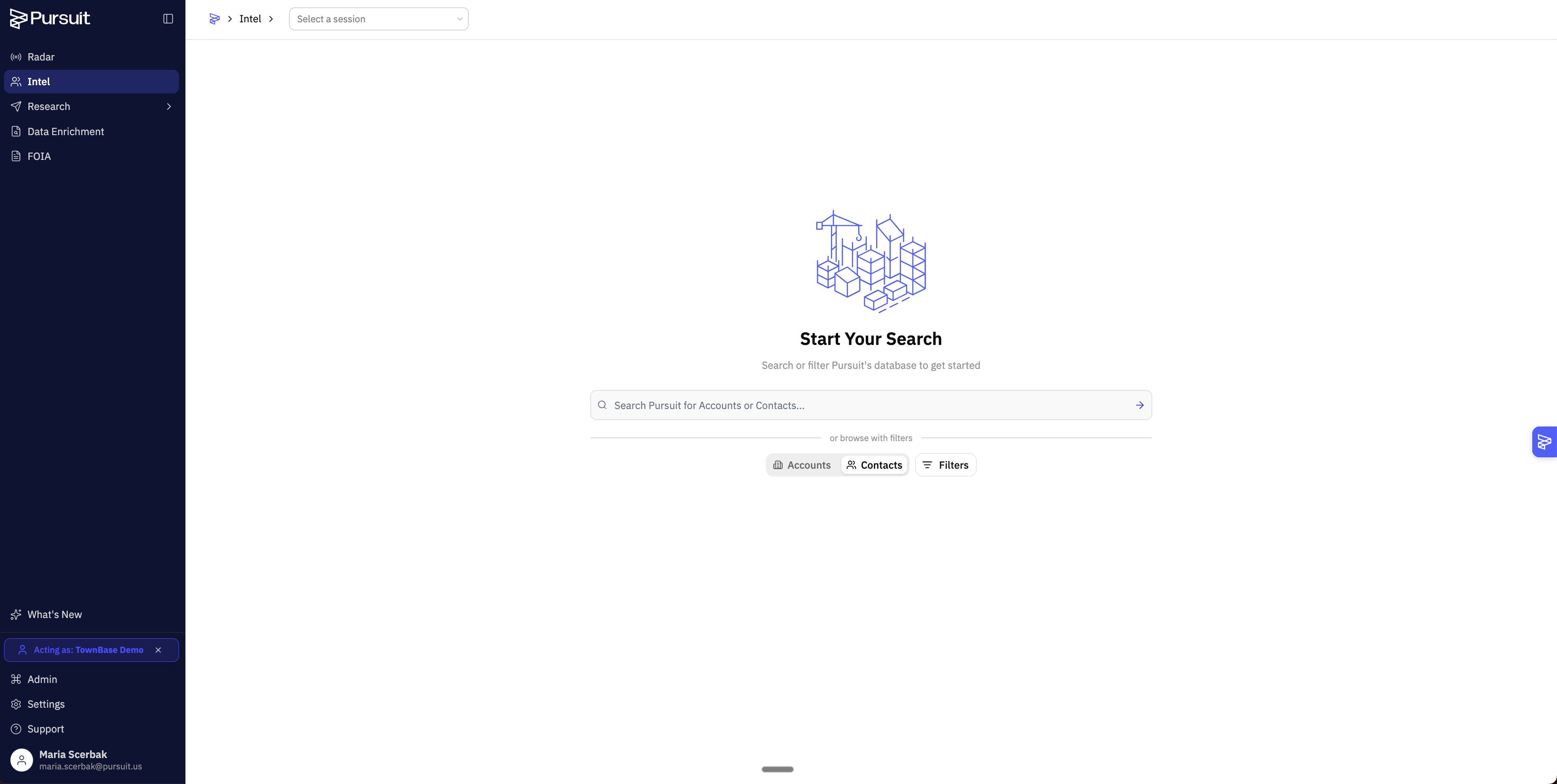
Intel is your powerful search and discovery engine designed to help you cut through noise and surface the right prospects or research targets. You can explore accounts and contacts through multiple discovery methods—keyword search, browsing, or applying detailed filters, then take action on your findings.
How You Use Intel
Once you've found entities in Intel, the platform empowers you to:
Export results in bulk for external analysis
Push to your CRM (HubSpot, Salesforce or Dynamics) to sync contacts and accounts
Add to Research workbooks for deeper collaborative analysis and enrichment
Chat with entities using AI to explore insights and ask questions about specific accounts or contacts
View detailed profiles including entity information, contact details, and intelligence
Intel in Your Workflow
Intel doesn't exist in isolation. Accounts and contacts you discover here can be seamlessly integrated into Research Workbooks (see 📄 Introduction to Research), where your team can dive deeper, collaborate, and build business cases. This connection between discovery and analysis makes Intel a natural starting point for sales prospecting, market research, or competitive intelligence gathering.