Managing your Organization's Plays
Last updated: June 12, 2026
What are Plays?
Start here: 📄 Turning Signals into Action using Plays
You can easily see and manage all of your organization's Plays from one central spot. See them all in one place, check how often they're run, or create a new play all from the Plays tab of the Admin area.
Getting to your Play Library
Log in as an administrator
Click on Settings
Select Plays
Your Play Library
Your Play Library is your central hub for managing, monitoring, and creating Plays across your organization.
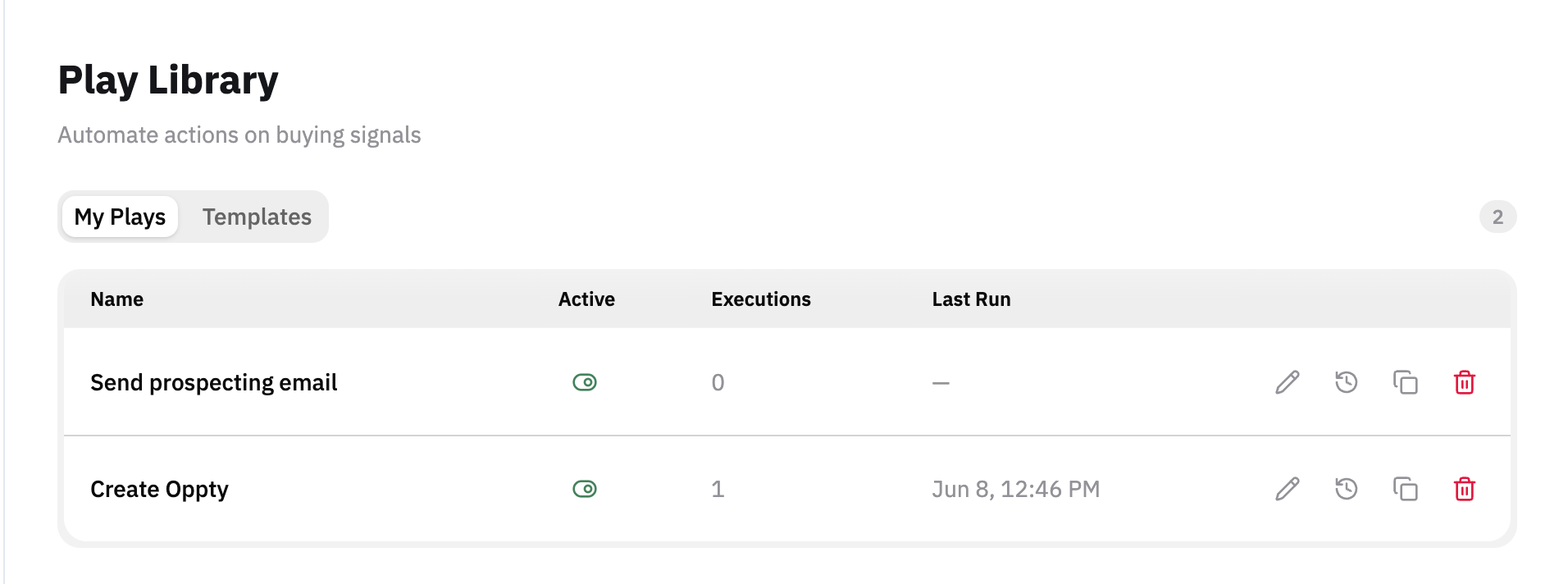
Your plays tell you:
Name - a descriptive name of your play
Active - toggle the Play on / off for users
useful if it's still in progress or undergoing maintenance
Executions - how many times that Play has run
Note: you can see who specifically ran each Play by clicking on the clock icon to the right or the History button on the Play editor canvas
Last Run - last time the Play was run
Action buttons
edit the Play
history to see who has run the play
copy the existing play
delete the play
Creating a new Play
See more here: 📄 How to Build a Play in Pursuit