Turning Signals into Action using Plays
Last updated: June 22, 2026
Pursuit's Radar tells you who to talk to. Plays get you to sent.
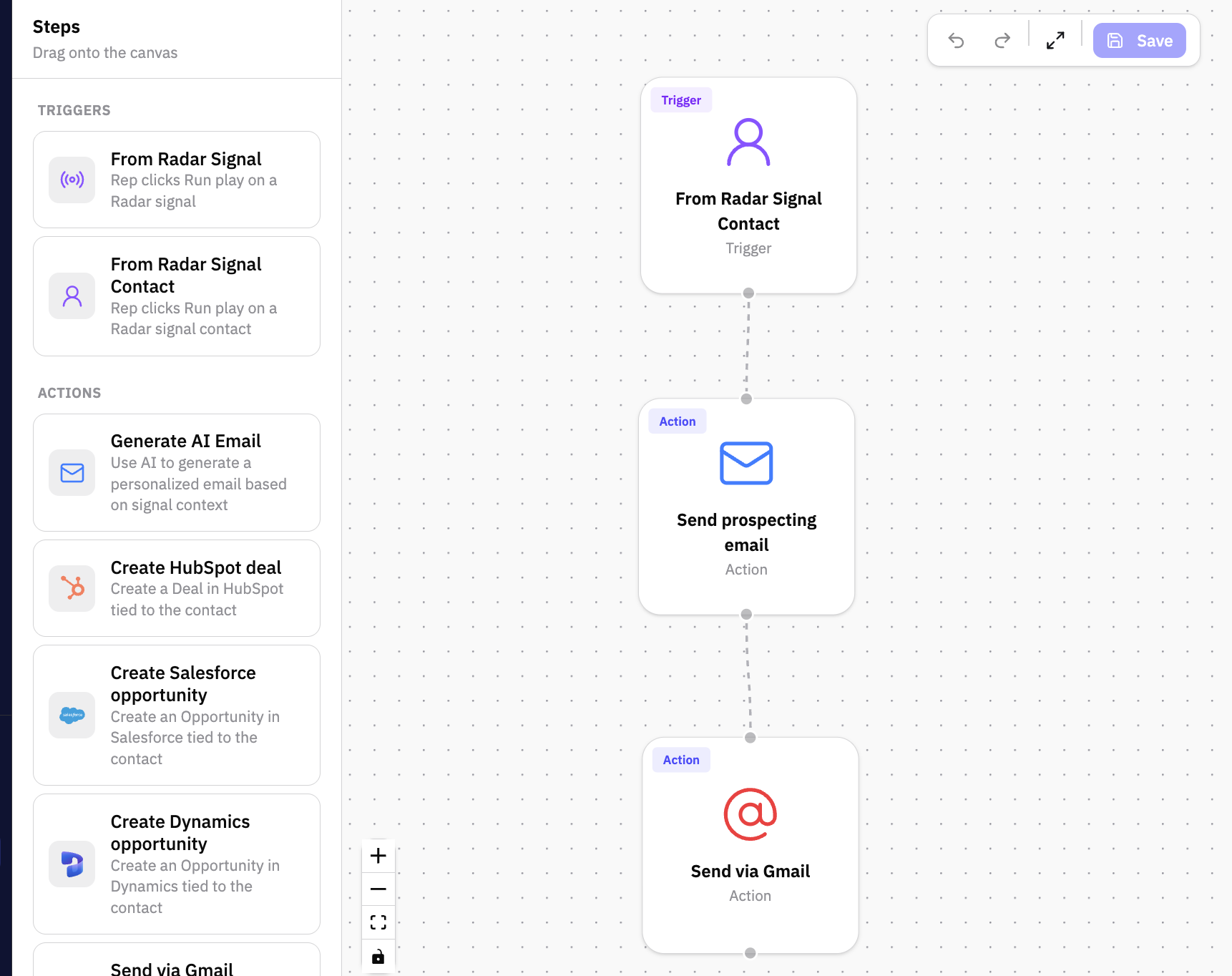
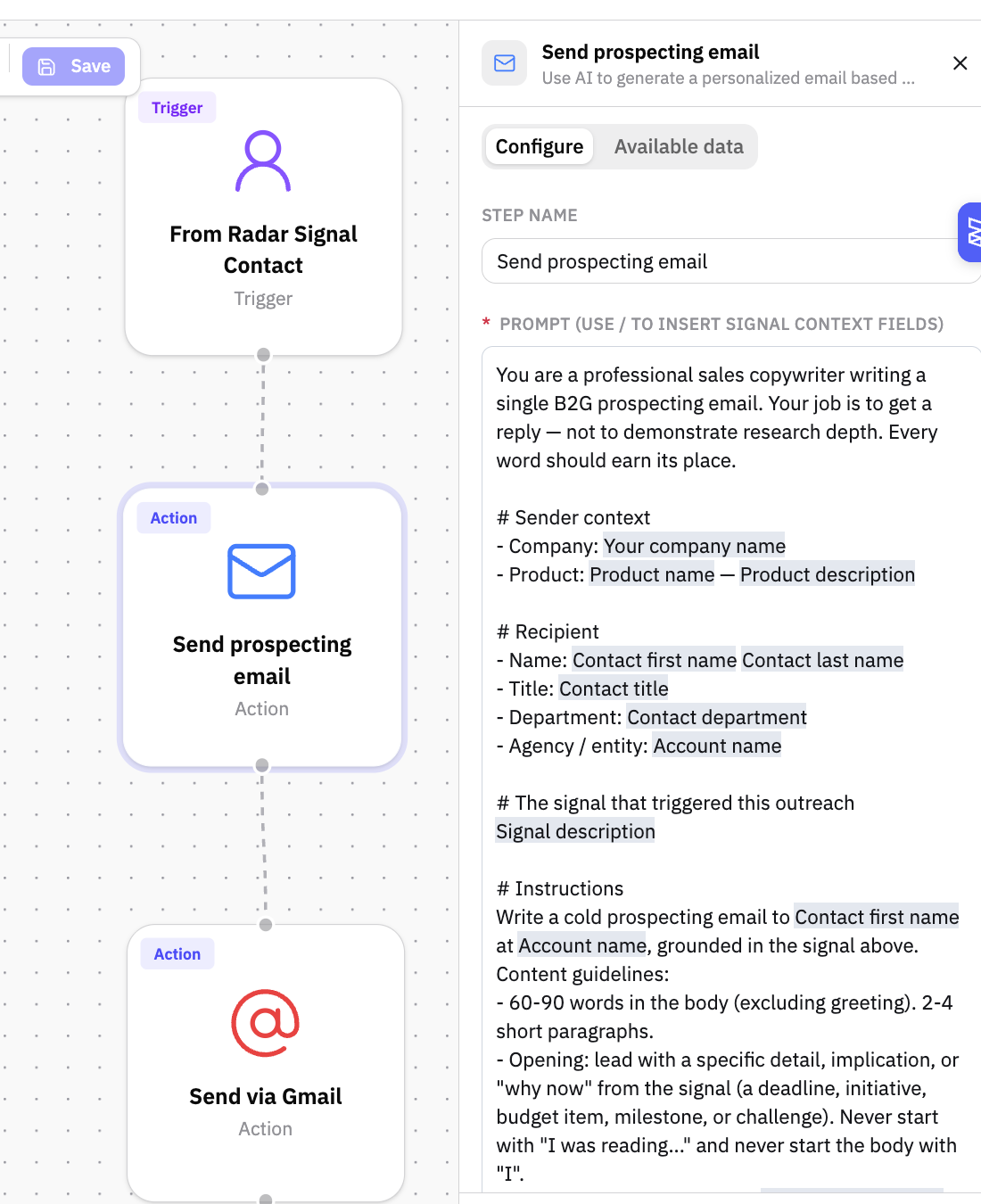
A Play is a reusable workflow you build once and run anywhere a signal appears. The default play — Send Prospecting Email — is pre-built in every workspace. It pulls in the contact, company, and signal context automatically, drafts a tailored email, and pauses for your approval before anything goes out. Speed of automation, control where it counts.
Setting up your plays
Head to Settings > Admin > Plays to build and manage your plays. The Send Prospecting Email play is ready to go out of the box — you can edit the message to match your tone, structure, and pitch before you run it the first time.
How do I run a Play?
Where can I run Plays?
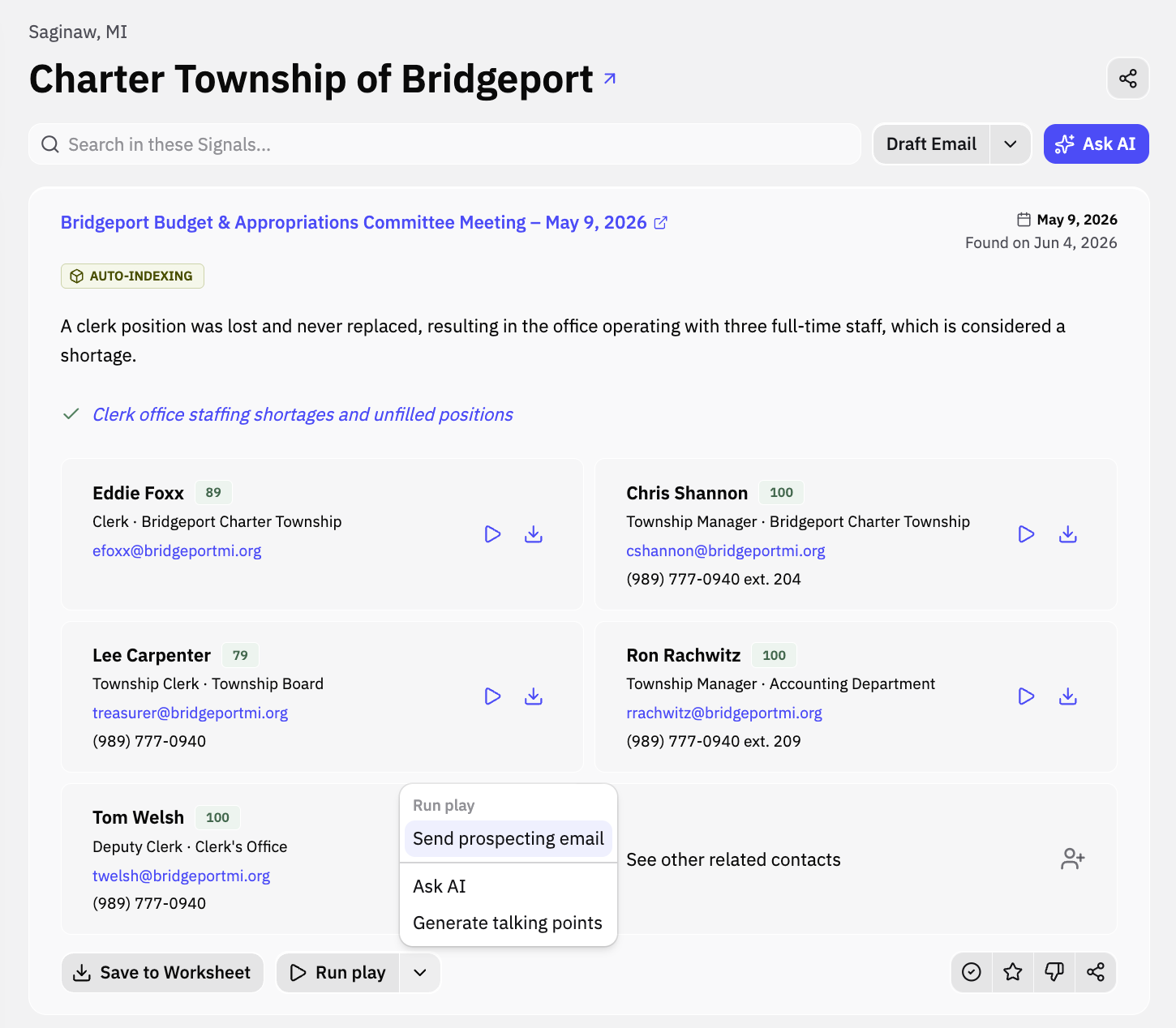
You can run a Play on any signal card - whether in Inbox or in Explore.
Executing a Play
Open any contact card or Radar card and hit Run Play. Pick your play, confirm the inputs, and Pursuit generates the output. Every play run is logged on the contact's Radar feed so your team has full visibility.
Example: Running a play across a buying committee
Found a signal with five strong contacts? Run the play once for all of them, not five times.
Hit Run Play on a Radar card, select any or all of the signal's contacts, and Pursuit fans it out — one run per contact. Review everything in a single panel: each contact gets a tab with live status, and approving one email advances you straight to the next. Go at your own pace — skip a contact, cancel one without losing the rest, or close the panel entirely and the remaining runs keep going.
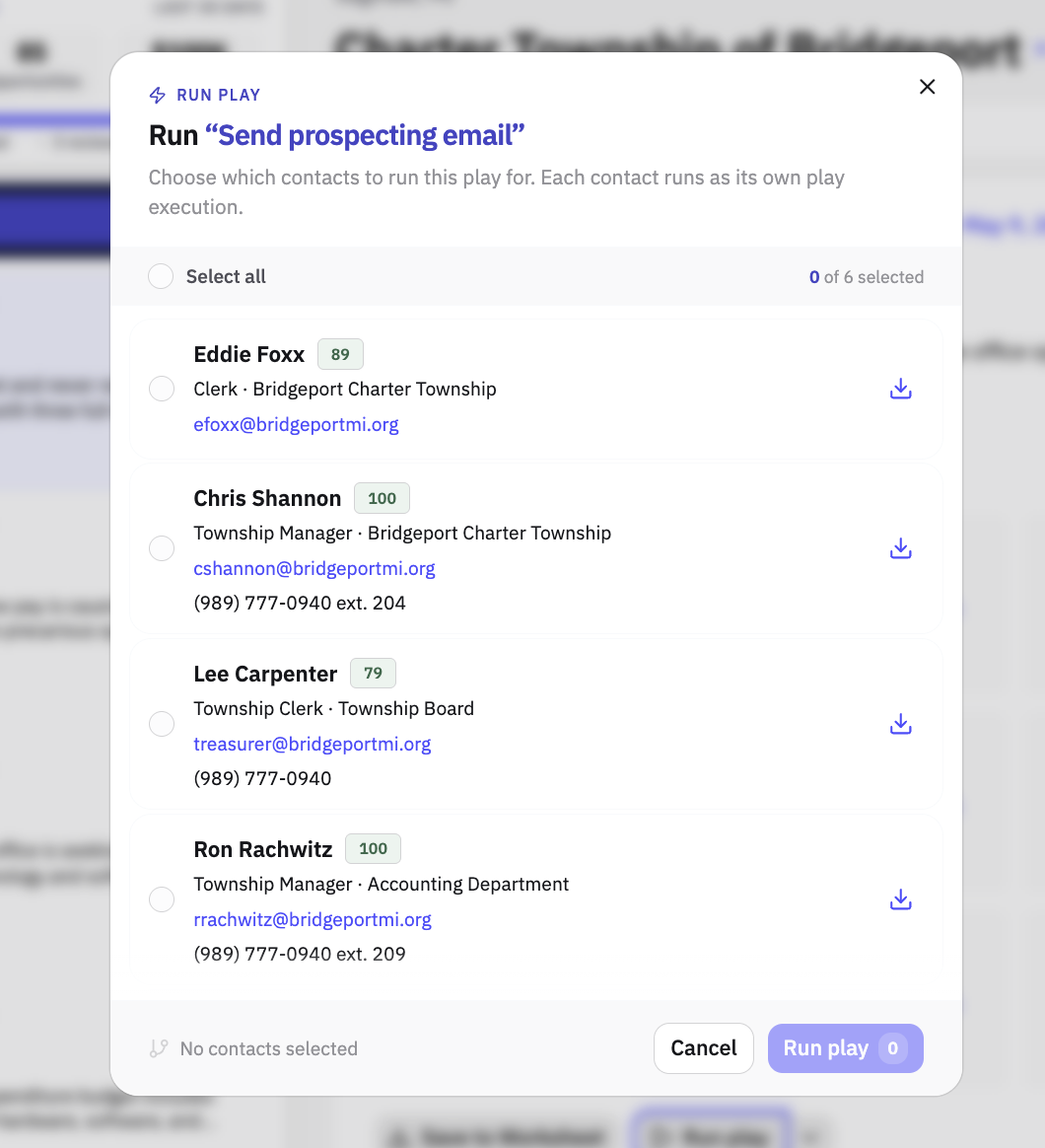
The whole buying committee gets your play in a single pass: select, run, review, done.