Resetting Your Password
Last updated: June 1, 2026
Easily reset your password if you forgot it.
If you signed up via SSO, please contact your organization's SSO administrator.
Follow these steps:
Go to app.pursuit.us/logout
Open app.pursuit.us in an incognito window
In your email address that you use to sign up in the first place.
Click Next
Click on Reset Password
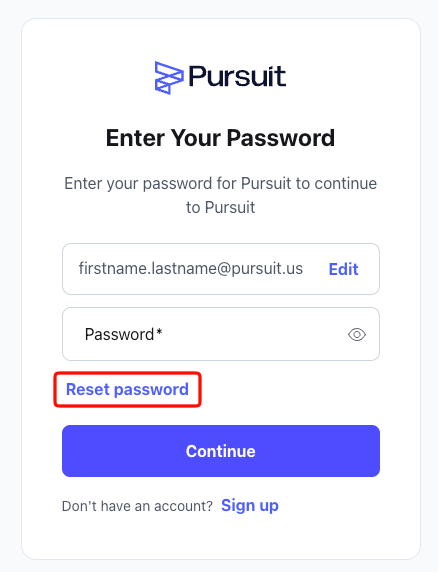
You'll receive an email with link to reset your password