What Is the Monthly Team Report?
Last updated: August 7, 2026
Quick Answer
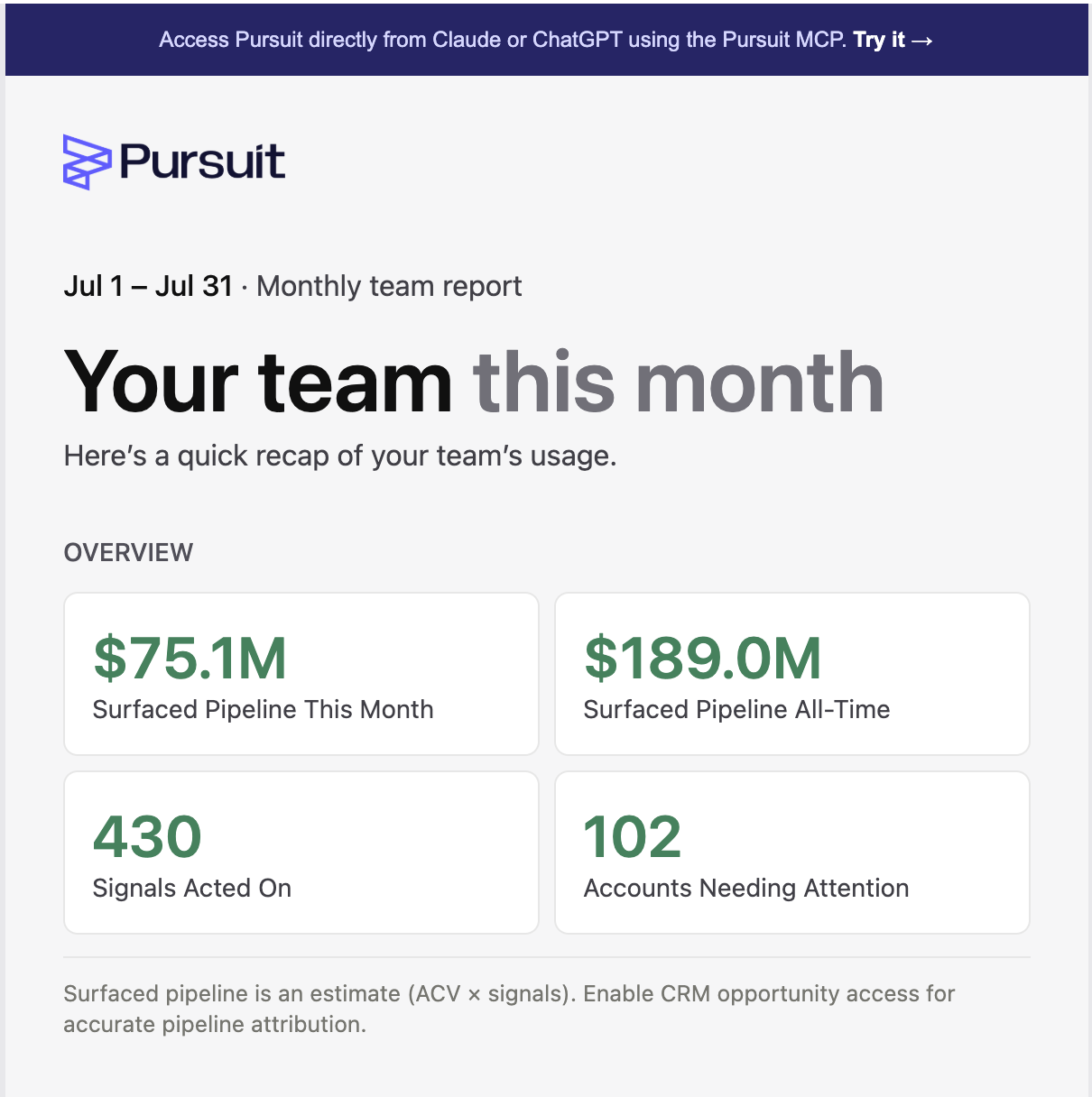
The Monthly Team Report is the monthly email that shows admins and managers how their team is using Pursuit and the pipeline that use is generating. As of August 2026 it reports Sourced Pipeline, names cold accounts instead of cold reps, and shows search, lookup, and export activity alongside signals acted on.
What This Is
The Monthly Team Report is the emailed companion to the Impact Report dashboard. It gives managers a once-a-month read on team engagement and outcomes without opening the platform, so you can see what is driving pipeline and where to coach.
What It Reports
Pipeline
The report shows Sourced Pipeline, the pipeline attributed to signals your team acted on. If Pursuit cannot access your CRM's opportunity detail, it falls back to Surfaced Pipeline.
Account-focused call to action
The call-to-action section names cold accounts rather than cold reps, so follow-up is about which accounts need attention.
Leaderboard
The leaderboard shows signals acted on plus the number of searches, lookups, and exports each team member ran.
What It Doesn't Do
Opting out is per-admin, not company-wide. Turning off your own report in Impact Report settings stops your copy only. It does not opt out the rest of your team.
Next Step
Open the latest Monthly Team Report to see your team's Sourced Pipeline and this month's cold accounts.
For the live version of this data, see 📄 Using the Impact Report (for Admins)