Introduction to Data Enrichment
Last updated: May 15, 2026
Data Enrichment lets you upload a CSV of accounts or contacts (like a conference attendee list, a target account list, or a CRM export), and match it against Pursuit's data. Once enriched, the list can be downloaded and becomes a filter you can use in Radar and Intel to focus your searches on the accounts or contacts that matter most.
Enrichment types
Type | What it does |
Account Matching | Matches and your account names to Pursuit's public sector database and enriches them with Pursuit data. |
Contact Matching | Matches your contacts to Pursuit entities and scores unmatched records. |
Common use cases
Use case | What to upload |
Conference prep | Attendee list or exhibitor list as a CSV to find signals for the accounts you'll meet. |
Target account monitoring | Your priority account list to track opportunity signals across just those accounts. |
Territory planning | A regional account list to explore opportunities within a specific geography. |
Improve CRM data quality | Identify mismatches and get Pursuit entity and contact IDs for ongoing syncs. |
How It Works
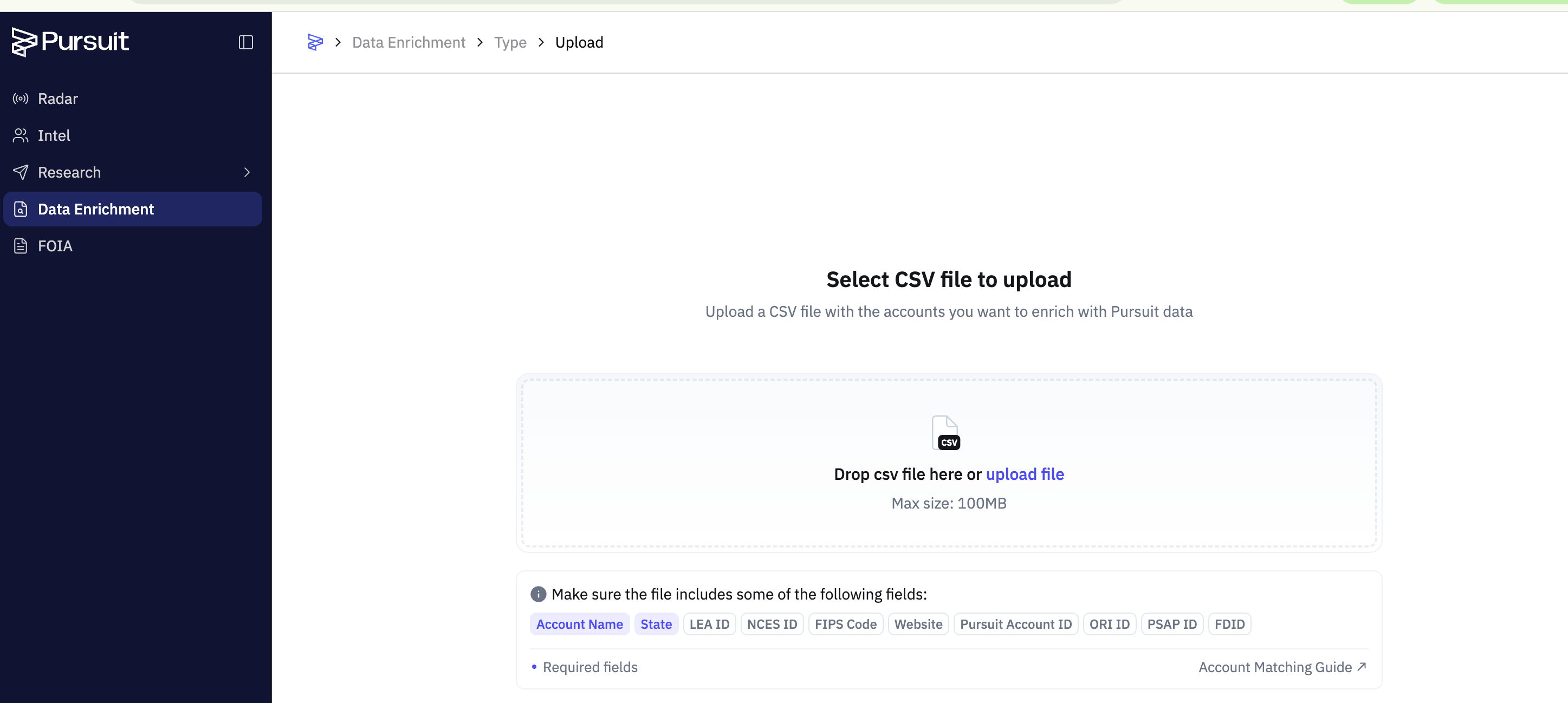
Upload — Go to Data Enrichment in the sidebar and upload a CSV file with entity or contact names.
Map columns — Map your CSV columns to Pursuit fields.
Accounts
required: entity name and state (state abbreviation)
optional: domain, unique IDs, etc to help improve match accuracy
Contacts
required: first name, last name, title, Pursuit account ID
Review results — See which accounts matched, download the enriched CSV, or use the data directly in the platform.
For Admins
Enrichment activity is logged under Settings → Usage → CSV Downloads. See Understanding Usage Tracking.