How to Write Effective Signal Criteria in Radar
Last updated: August 14, 2026
What are Signal Criteria?
Signal criteria are a critical building block of your product profiles. This is where you explain what you want your signals to look for and match.
See more: 📄 Creating and Managing Product Profiles
How criteria and your product description work together
Radar uses two inputs when it decides whether a document is relevant to a signal:
Your signal criteria, which describe the event you want to catch
Your product description, which describes what you sell
You do not need to restate what you sell inside every criterion. Write the criterion for the event, keep the product context in your product description, and let Radar combine them.
If a criterion is returning documents from the right kind of event but the wrong product category, sharpen the product description first, then the criterion.
Key Takeaways
this is the primary area to tweak and control what signals get surfaced
rough target of 15-30 criteria (not a hard and fast rule but general guidance)
The best signal criteria are those that are as explicit as possible, semantically, to what you want the source documents to surface
Steps
Write each as a phrase or sentence using the language of your customer(s)
Phrase your criteria in the language your target documents actually use
e.g. "line item for [competitor product] subscription costs is stronger than "agency interested in [competitor product]"
Keep each criterion to one idea
Describe what you're looking for and the category it belongs to.
If your target could be confused with a similar one, add a word that pins it to your audience — like "college" to keep a higher-education search out of K-12 results
Set each criterion's priority from 1 to 5, where 5 is highest, based on how directly it targets what you want
What Success Looks Like
You're getting signals that point to real intent and activity
Common Issues
Results outside your target: strengthen the name, category, or audience-specific word in the criterion.
Fewer signals than expected: focus on your strongest criteria rather than adding more lines.
How Signal Criteria Learn from Feedback
Each signal criterion in your product profile shows how it is performing: the number of signals saved and dismissed where it matched. For criteria with dismissals, admins can generate an AI suggestion for how to improve that criterion.
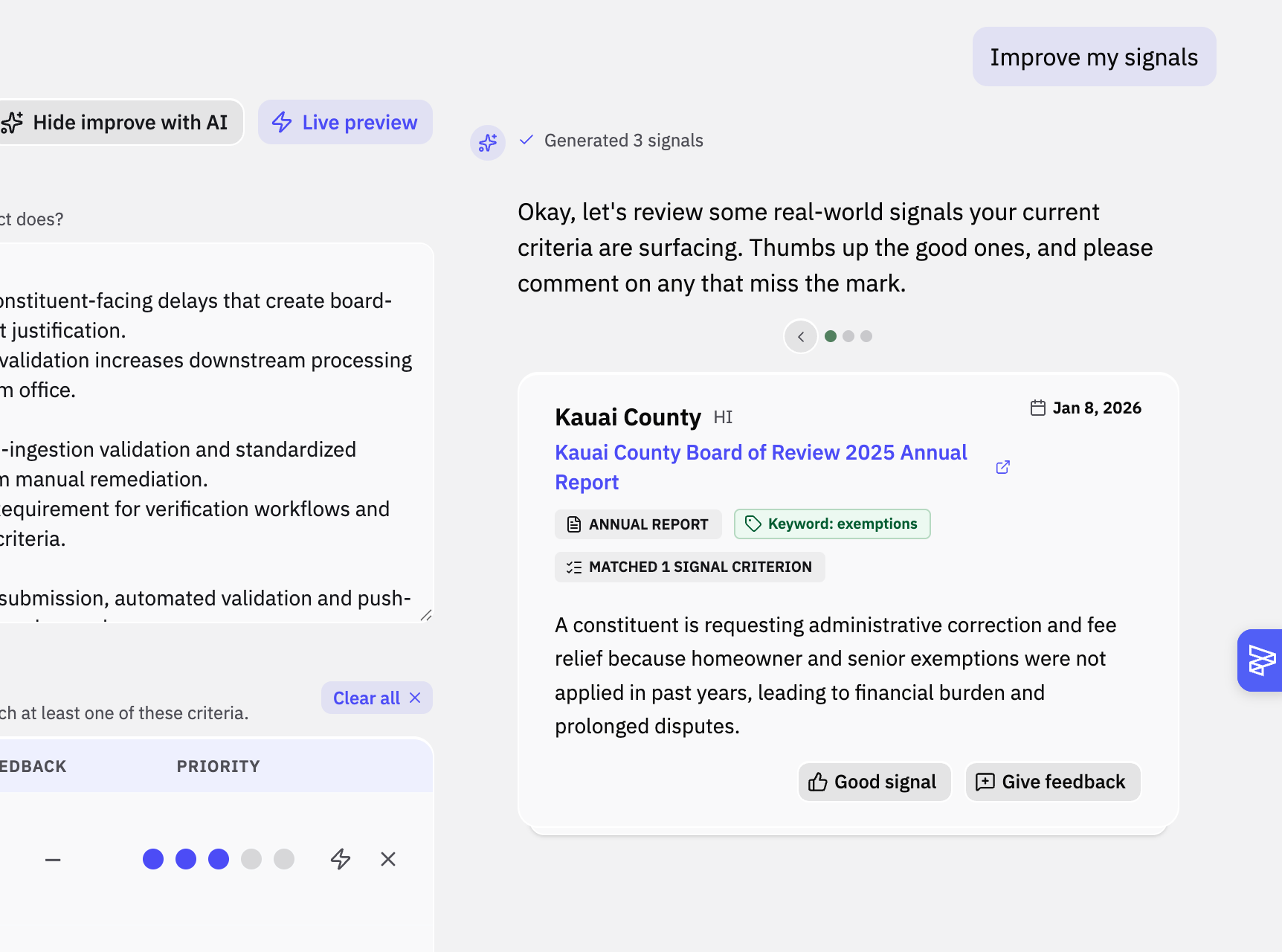
Only signals dismissed as Not relevant count toward the suggestions. Signals marked outdated or already contacted do not affect the results, so the feedback reflects true misfires.
Dismissals do not change your product profile on their own. You review and approve each suggested change before it takes effect.