Add your own Notes to any worksheet
Last updated: June 9, 2026
You can add a Notes column directly to your worksheets, so the context that lives in your head (or scattered across docs) finally has a home right where you're working.
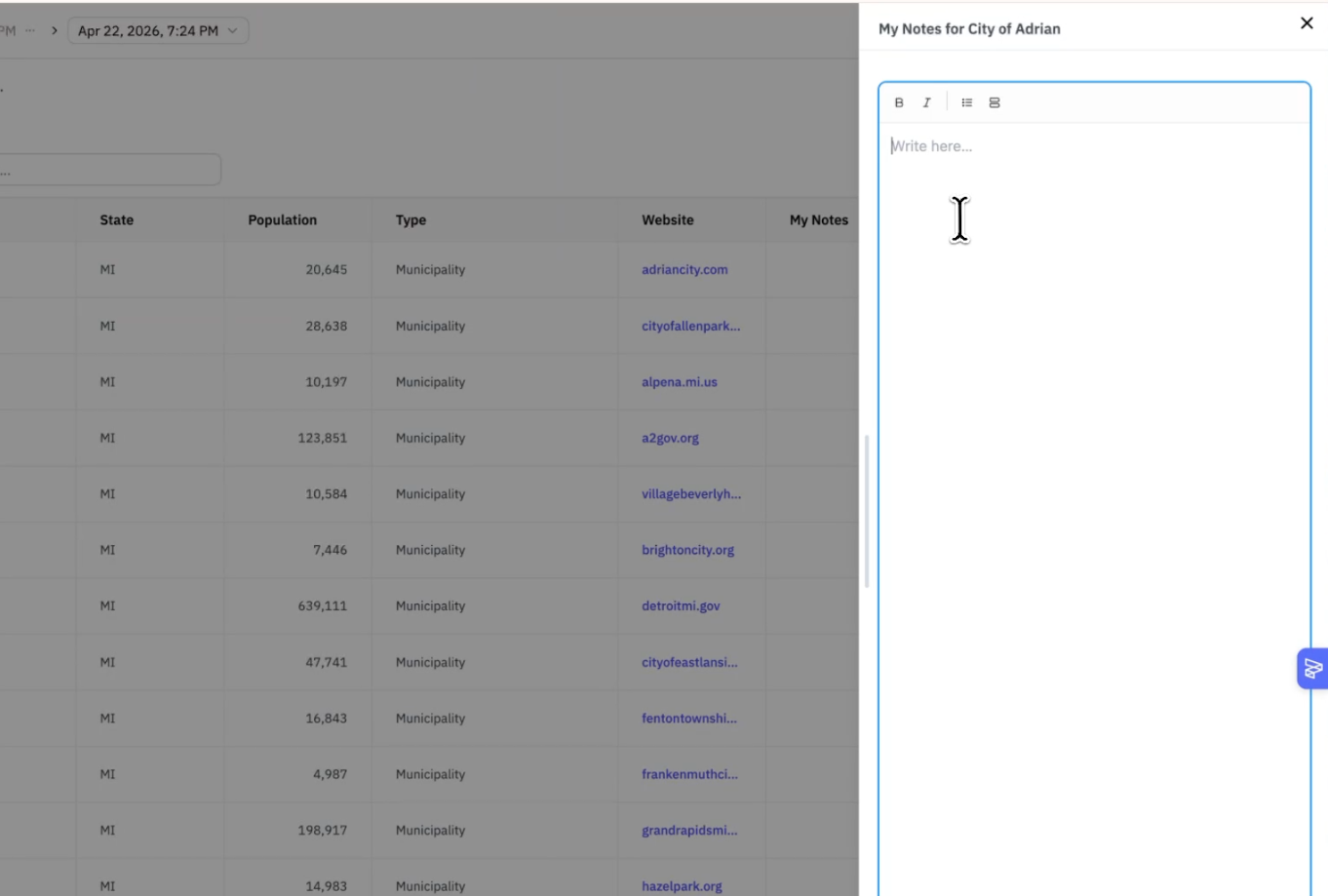
Here's how teams are using it:
Track outreach status - log where you are with each account without leaving Pursuit
Annotate accounts - capture what you already know: past conversations, internal relationships, deal nuances your team shouldn't have to rediscover
Sync to CRM, Zapier or Webhooks - if your CRM is set up to receive it, Notes can map to a custom SFDC field, so nothing gets double-entered
To get started: Click Add Column on any worksheet and select Notes.